Preview drafts and publish
Test the conversation before it goes live, understand the draft/live split, and publish only when the workflow is ready.
Use this guide when the flow looks close to done and you want to validate behavior before going live.
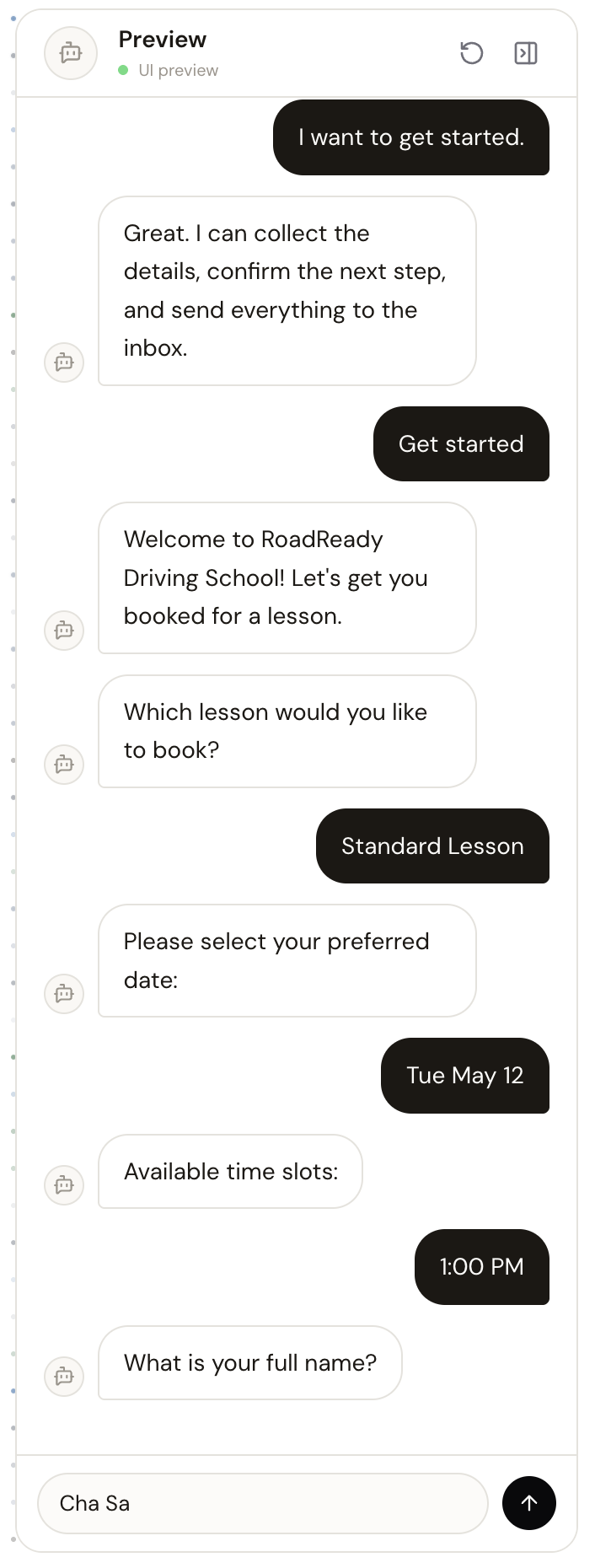
Open builderPreview before you publish
Use the preview panel as a rehearsal environment. Walk through every critical path, including error cases, missing information, review-required requests, and final confirmation states.
- Test the shortest happy path and the most complex path.
- Make sure validation messages feel clear, not punitive.
- Verify any template variables or confirmation text before publishing.
Understand the draft/live split
- Draft edits are safe to make and review without changing the live bot immediately.
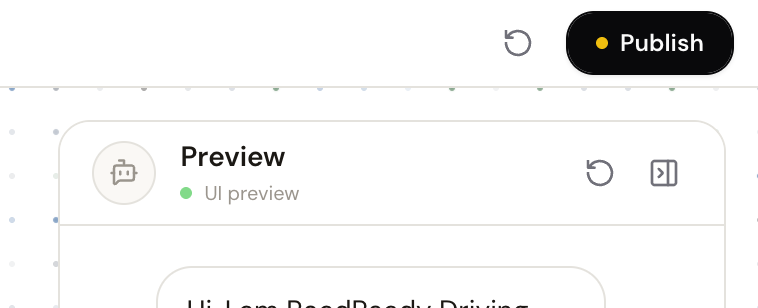
- Publish promotes the current draft to the live version.
- Discard draft reverts the working copy back to the published version.
Discard is irreversible
Once a draft is discarded, the working changes are removed and the published version becomes the source again.
What happens when you publish
Publishing makes the draft live. If channels are already connected, the live version is what customers will hit. If no channels are connected yet, you can still publish first and connect them later.
Guests can prototype and test, but live deployment still requires signing in so the bot can be stored and linked to channels.
Related guides
Continue with the next part of the setup once this step is stable.
Edit and refine your flow
Use AI-assisted edits for broad changes, then switch to manual flow editing when you need precise control.
Add validations and review rules
Make the bot stricter where format matters and define how submissions move through review, updates, and follow-up.

Connect Telegram
Let Meerlume create your Telegram bot automatically in a couple of taps, or connect a bot you already have.
Connect website chat
Put your bot on your own site as a chat bubble or in the page, and get a chat link you can share anywhere.